Using AI to Accelerate Form
Creation and Migration
Project Details
Designed the end-to-end AI workflow for HubSpot’s Forms “Create with AI” and defined AI Smart Copy as a migration tool—shaping how marketers go from intent to structured, publishable forms through AI‑assisted generation, review, and editing.
Marketers were struggling with two related problems: creating new forms from scratch required too much manual setup, and migrating legacy forms into the new editor had no scalable path. Early AI features showed promise but low completion—users didn’t understand what the AI would do, couldn’t predict or correct its output, and often dropped off before reaching a usable result. I redesigned the AI creation flow and defined a complementary AI migration path to make both routes faster, more transparent, and reliably useful.
My Role and Scope
I owned UX for the full AI‑assisted form creation flow and defined AI Smart Copy as a strategic migration capability within Forms.
Working with PM and engineering, I:
- Defined the interaction model for the AI creation flow—how users provide intent, how the system generates output, and how users review and edit results with confidence.
- Structured the AI experience around clear, predictable states, including guardrails and recovery paths that always kept users in control of output.
- Decided where and how AI appears within the broader editor so it enhances existing flows rather than introducing a separate “AI mode.”
- Partnered with PM and engineering to instrument the AI flow as a measurable funnel with defined success metrics.
- Positioned AI Smart Copy as a practical AI‑assisted tool for reconstructing legacy forms in the modern editor.
Why the AI Experience Needed to Change
The core design question wasn’t “can AI generate a form?”—it was whether users could understand, trust, and successfully use AI‑generated output to reach a published result.
Research across competitive analysis, empathy sessions, CSAT feedback, and customer interviews revealed specific friction points:
- Marketers didn’t know what inputs the AI needed or how those inputs shaped the output.
- AI flows branched unpredictably, so users couldn’t build a mental model of the process.
- AI‑generated results appeared without explanation, preview, or clear path to edit.
- There was no visibility into where users lost confidence or abandoned the flow.
- Legacy form migration had no automated path—customers rebuilt forms manually or didn’t migrate at all.
These insights set a clear design direction: any AI feature should feel like a predictable workflow—intent, generation, review, edit, finalize—where the user stays oriented and in control at every step.
Designing the AI Creation Flow
I designed “Create with AI” around a legible, trustworthy workflow so marketers always know what they’re telling the AI, what it will produce, and how to change it.
Structured prompt input
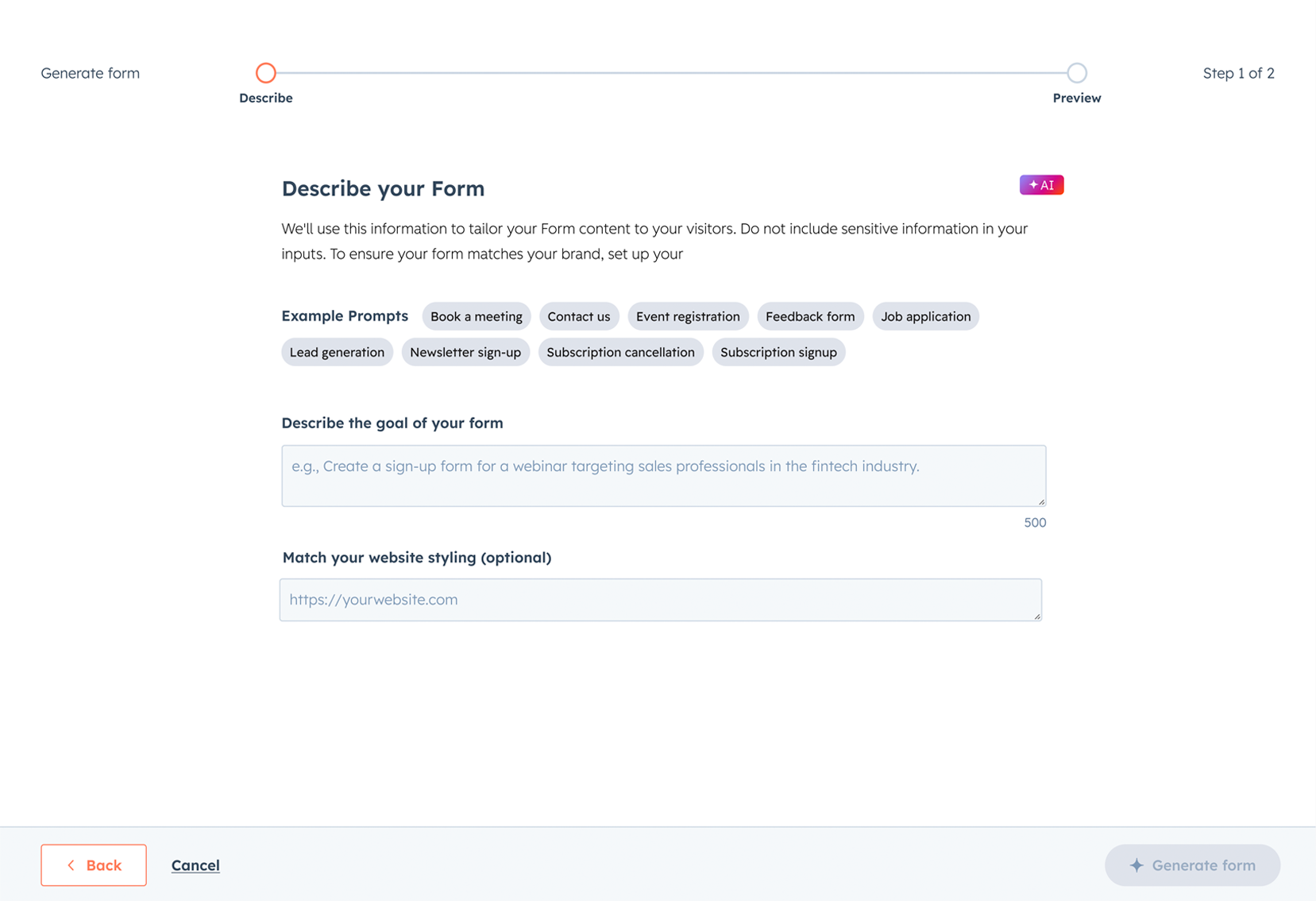
I replaced open‑ended branching with a single, structured prompt model, so marketers provide clear intent and understand how each field shapes the AI output. Repeatable prompts also make it easier to reuse and refine patterns over time.
Transparent generation with preview
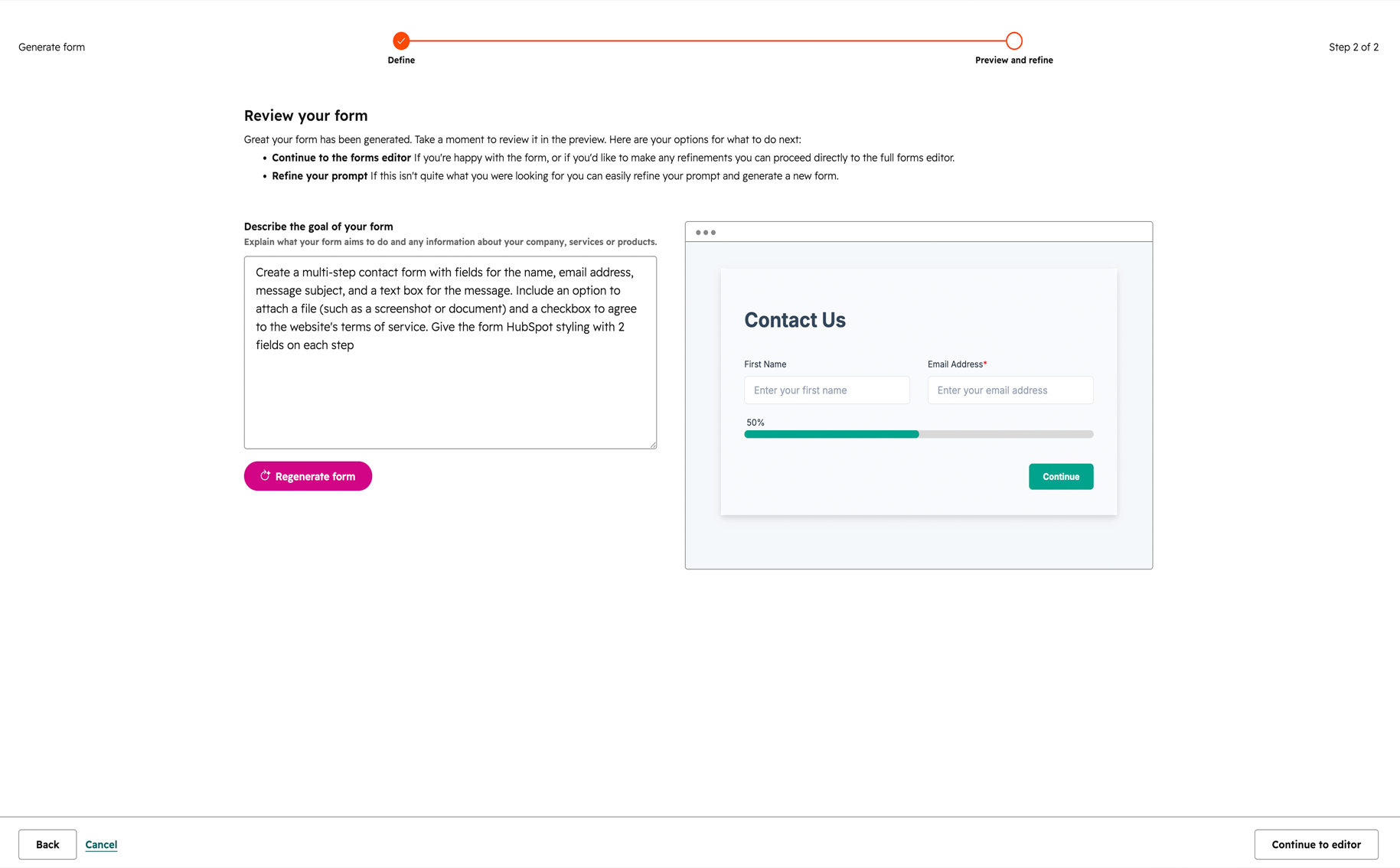
I introduced plain‑language framing before generation and progress indicators and intermediate preview states. Users see the AI draft take shape and understand where decisions are being made, reducing “surprise” jumps from prompt to final form.
Editable output as the default
All generated content—field labels, descriptions, structure—arrives as editable suggestions, not locked results. AI serves as a starting point; users can revise, delete, or regenerate specific sections without restarting the entire flow.
Recovery and iteration paths
I designed clear fallback paths for off‑target suggestions: regenerate with guidance, refine the prompt, or fall back to manual editing. These paths keep users moving forward within the same flow instead of abandoning AI when something feels wrong.
Integrated entry points
I embedded AI creation into existing template and form‑building workflows rather than isolating it in a separate mode. “Create with AI” became one of several ways to start a form, reducing cognitive overhead and making AI adoption feel like an upgrade—not a separate product.
Research and Validation
To improve AI UX, I needed to see where user trust and confidence broke down in real usage. I worked with PM and engineering to instrument the AI creation flow as a measurable funnel, including:
- AI flow initiated
- First AI‑generated suggestion shown
- User edits or Q&A of AI output
- Flow completion (forms saved)
- Form published
This instrumentation turned the AI experience into a decision‑making tool for the team. It revealed where users abandoned drafts, which entry contexts worked best with their workflows, and which prompts led to higher completion. Subsequent iterations were guided by observed behaviour at each stage of the AI workflow, not anecdotal feedback.
AI Smart Copy: Scaling AI to Migration
In parallel, I defined AI Smart Copy—applying the same design principles of transparency, user control, and editable outcomes to a different but related problem: migrating legacy forms into the modern editor.
Problem‑first framing
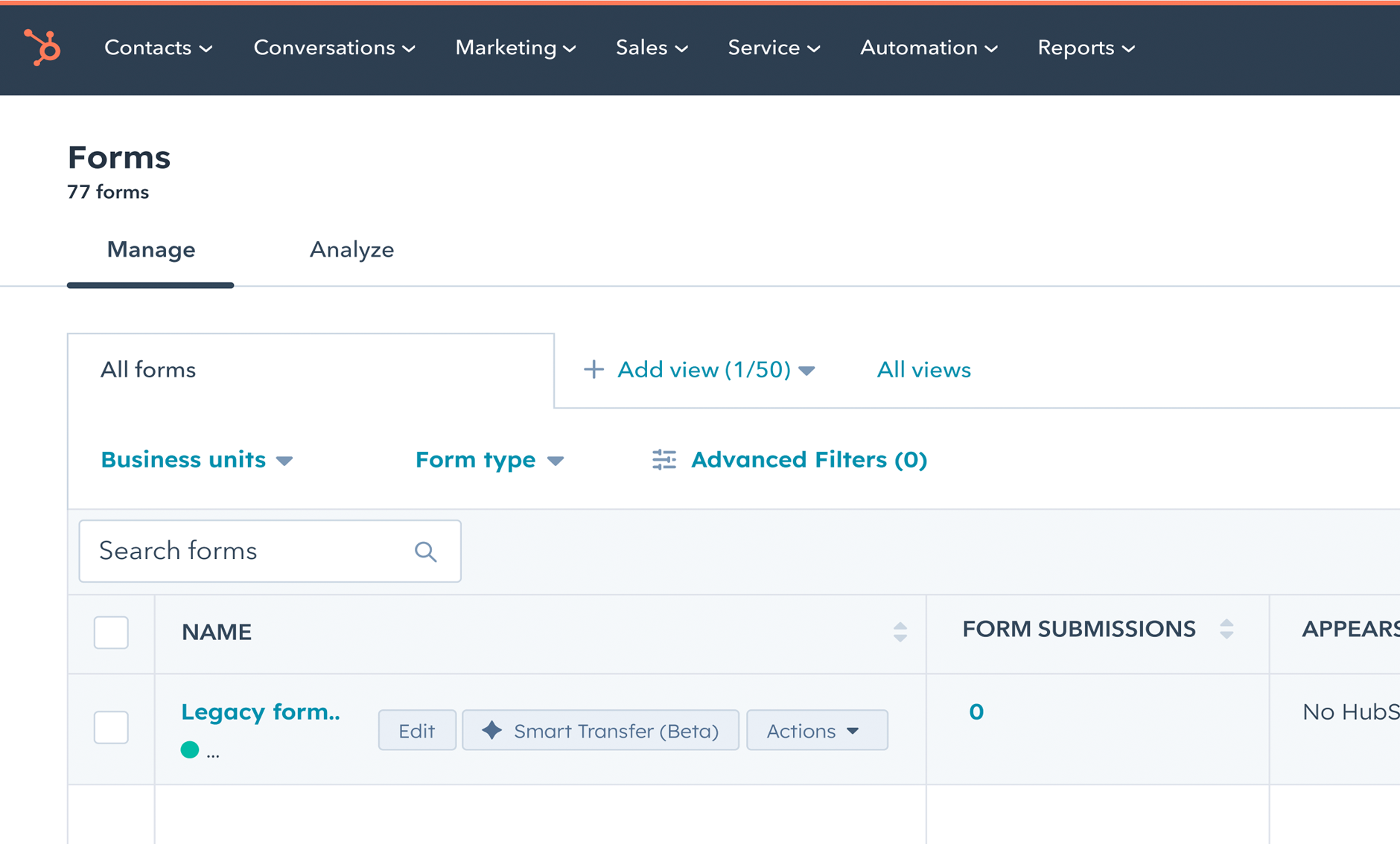
The core job: “Help me move my existing form into the new editor without rebuilding from scratch.” AI Smart Copy uses AI to reconstruct field content and context from legacy forms inside the modern editor, reducing the manual effort that previously blocked migration at scale.
Honest boundaries
Smart Copy doesn’t claim perfect migration. The UX sets clear expectations about what transfers, what may need manual adjustment, and where human review is required—following the same transparency principles used in the creation flow.
Reusable workflow patterns
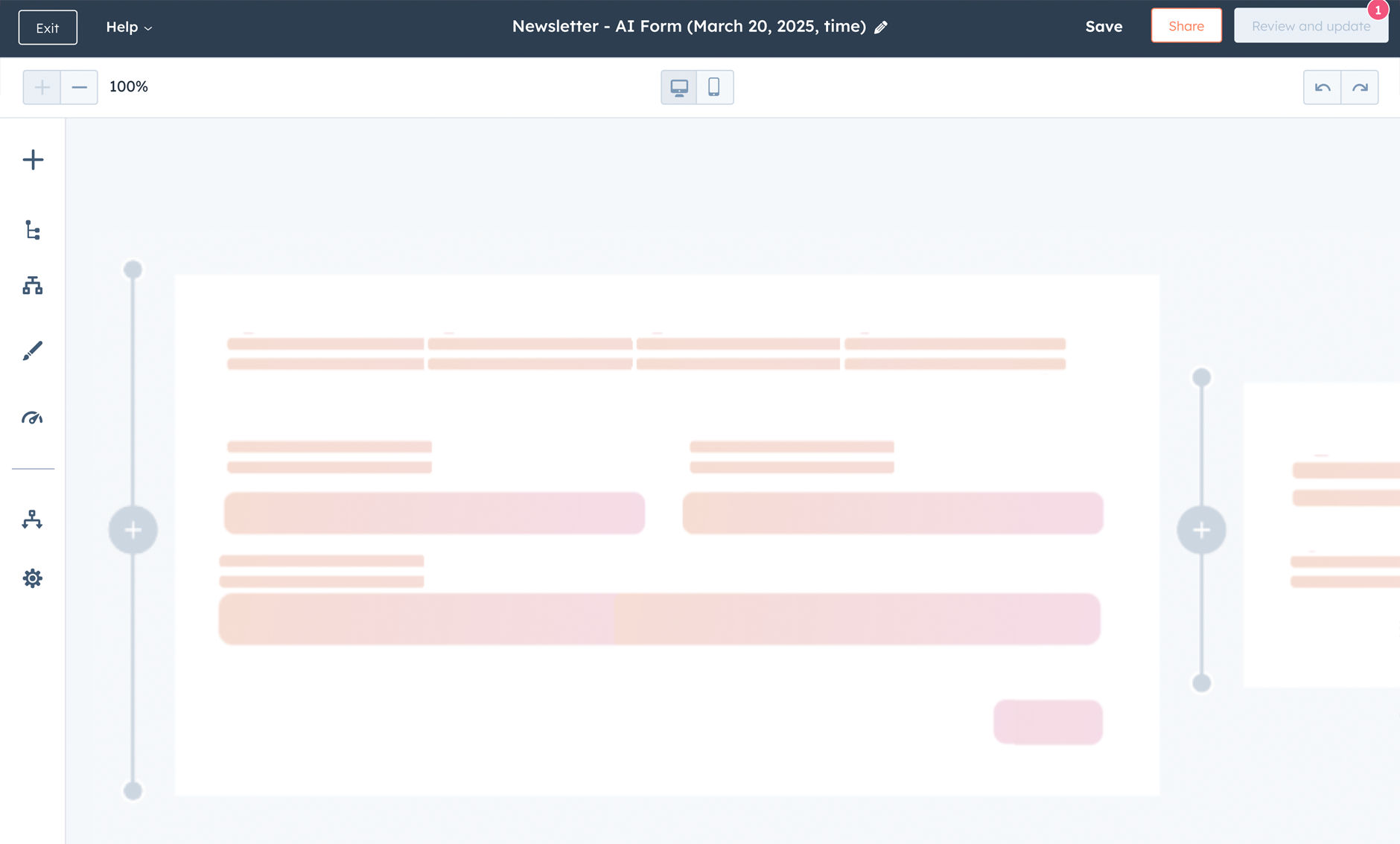
Smart Copy shares the same workflow logic as Create with AI: AI generates a structured result, the user reviews and edits, and the output lives in a surface that supports continued iteration. This makes AI‑assisted workflows repeatable—input → transformation → review → edit—across both creation and migration contexts.
By placing AI‑migrated forms in the modern editor, Smart Copy also increases the surface area for future AI capabilities, compounding the value of every AI investment the team makes.
Outcomes and Impact
Redesigning the AI creation flow and instrumenting it end‑to‑end gave the team a measurable AI product funnel—grounded in trust, completion, and publishing rates rather than vanity metrics like “AI clicks.” Every stage of the workflow now generates data that informs design and product decisions.
AI Smart Copy is expected to bring a significant share of eligible existing forms into the modern editor through AI‑assisted migration, reducing manual rebuild effort and moving more customers onto a surface where future AI features can compound over time.